









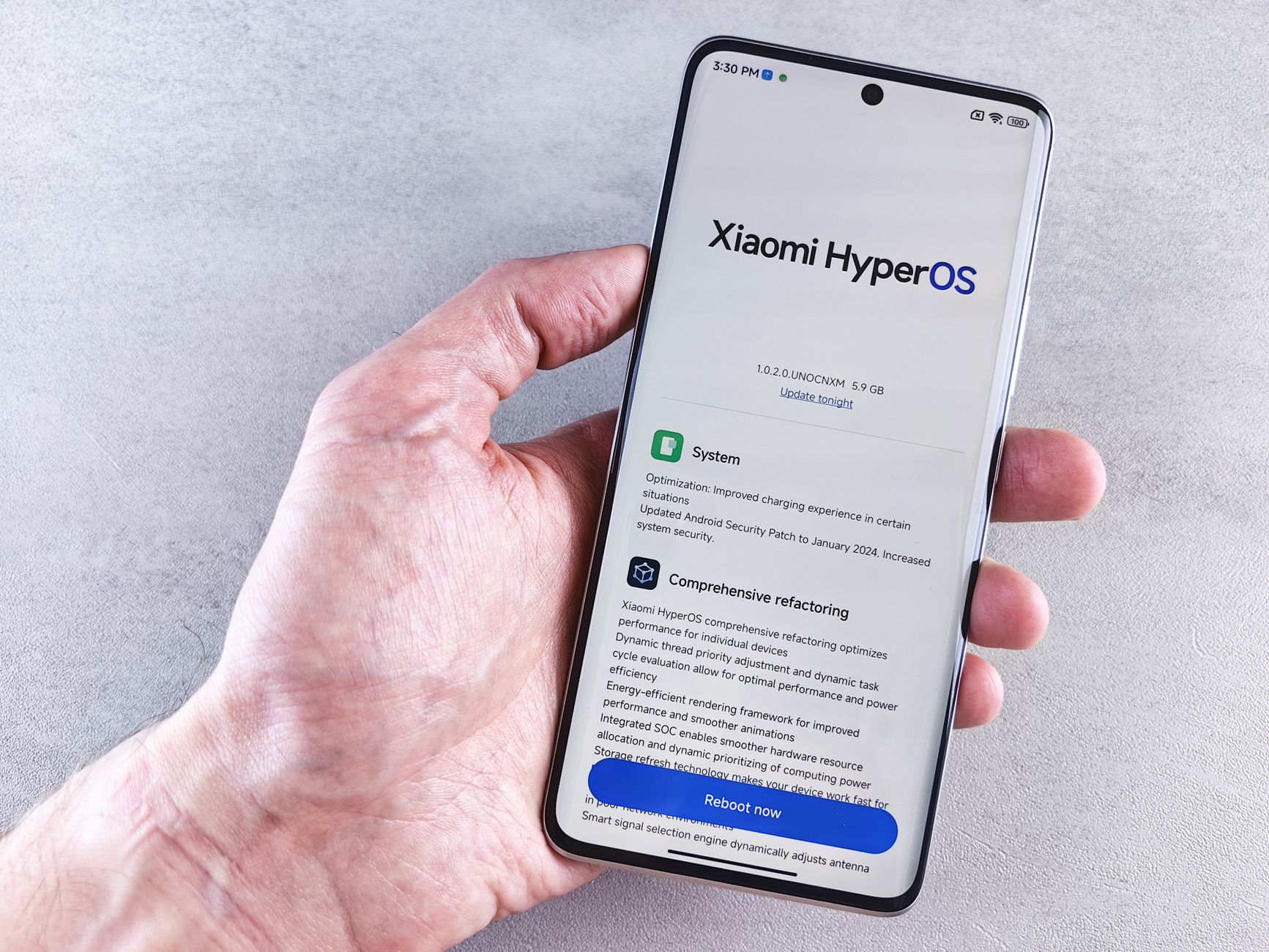
Pixel security update is essential for all users to ensure their devices remain secure. Google has patched three critical security flaws that could put your personal information at risk.
Why is the Pixel security update important?
The Pixel security update is crucial for maintaining the integrity and safety of your device. Google has recently highlighted the significance of these updates, particularly after discovering three ‘critical’ security flaws that could potentially compromise user data.
Ignoring the Pixel security update could expose your device to various threats, including:
- Data breaches: Vulnerabilities can allow hackers to access personal information.
- Malware attacks: Outdated software may be more susceptible to malicious programs.
- Privacy violations: Flaws could lead to unauthorized access to sensitive data.
In conclusion, keeping your Pixel updated with the latest security patches is essential for safeguarding your personal information and ensuring a smooth user experience. Prioritizing these updates can help users avoid potential risks and enhance device performance.
What are the critical flaws patched by Google?
Google has recently addressed significant vulnerabilities in its latest Pixel security update, marking an essential step in maintaining device safety. The company identified three critical flaws that could potentially compromise user data and device integrity. These flaws include:
- Remote Code Execution Vulnerability: This flaw could allow attackers to execute arbitrary code on the device, leading to unauthorized access.
- Elevation of Privilege Issue: Exploiting this vulnerability could enable malicious apps to gain elevated permissions, affecting the overall security of the device.
- Information Disclosure Bug: This flaw could lead to sensitive user information being exposed to unauthorized parties.
With these critical issues patched in the recent Pixel security update, users are strongly advised not to ignore the importance of keeping their devices up to date to ensure ongoing protection against potential threats.
How to perform the Pixel security update?
Performing the Pixel security update is essential to ensure your device remains secure. Follow these steps to update your Pixel device:
- Connect to Wi-Fi: Make sure your device is connected to a stable Wi-Fi network to avoid using mobile data.
- Open Settings: Navigate to the Settings app on your Pixel device.
- Scroll to System: Find and tap on ‘System’ to access system updates.
- Check for Updates: Select ‘System update’ to see if the latest Pixel security update is available.
- Download and Install: If an update is available, tap ‘Download’ and then ‘Install’ to apply it.
By regularly checking for the Pixel security update, you can protect your device from vulnerabilities and ensure its optimal performance.
What happens if you ignore the update?
Ignoring the Pixel security update can have serious consequences for your device’s safety and performance. When these updates are released, they often address vulnerabilities that could be exploited by malicious actors. If you choose not to install the update, you may expose your device to risks such as:
- Data Breaches: Critical flaws can allow hackers to access personal information, including passwords and financial data.
- Malware Attacks: Unpatched devices can become targets for malware, which can lead to data loss or theft.
- Performance Issues: Updates often include improvements that enhance device performance; ignoring them may result in a suboptimal user experience.
In light of these factors, it is unwise to ignore the Pixel security update. Keeping your device updated is essential for maintaining security and ensuring that you enjoy the latest features and improvements.
User experiences after the security update
Many users have reported mixed experiences following the recent Pixel security update. While some have praised the update for enhancing their device’s security, others have faced unexpected issues.
- Improved performance: Several users noted a smoother interface and faster app loading times after applying the update.
- Battery drain concerns: Conversely, some Pixel owners expressed frustration over increased battery consumption, claiming their devices were draining faster than before.
- App compatibility: A few users reported that certain applications became unresponsive or crashed after the security update.
- Peace of mind: Despite the issues, many users feel reassured by the security improvements, emphasizing that the Pixel security update is crucial in protecting their personal information.
Ultimately, while experiences vary, the general consensus is that ignoring the update is not advisable for maintaining device safety.
Future of Pixel security updates
The future of Pixel security updates remains a vital topic for users concerned about their device safety. Google has consistently emphasized the importance of timely updates to protect against emerging threats, especially after identifying critical flaws. As technology evolves, so do the tactics of cybercriminals, making ongoing support essential.
While some users may be tempted to ignore the Pixel security update, the consequences can be severe. Regular updates not only address existing vulnerabilities but also enhance overall device performance. Google’s commitment to maintaining a secure environment for Pixel users means that future updates will likely focus on fortifying defenses against new and sophisticated attacks.
In light of the recent security concerns, it is prudent for Pixel owners to stay vigilant and prioritize updates. Ignoring these updates jeopardizes not just personal data but also the integrity of the device.
Photo by Andrey Matveev on Pexels