





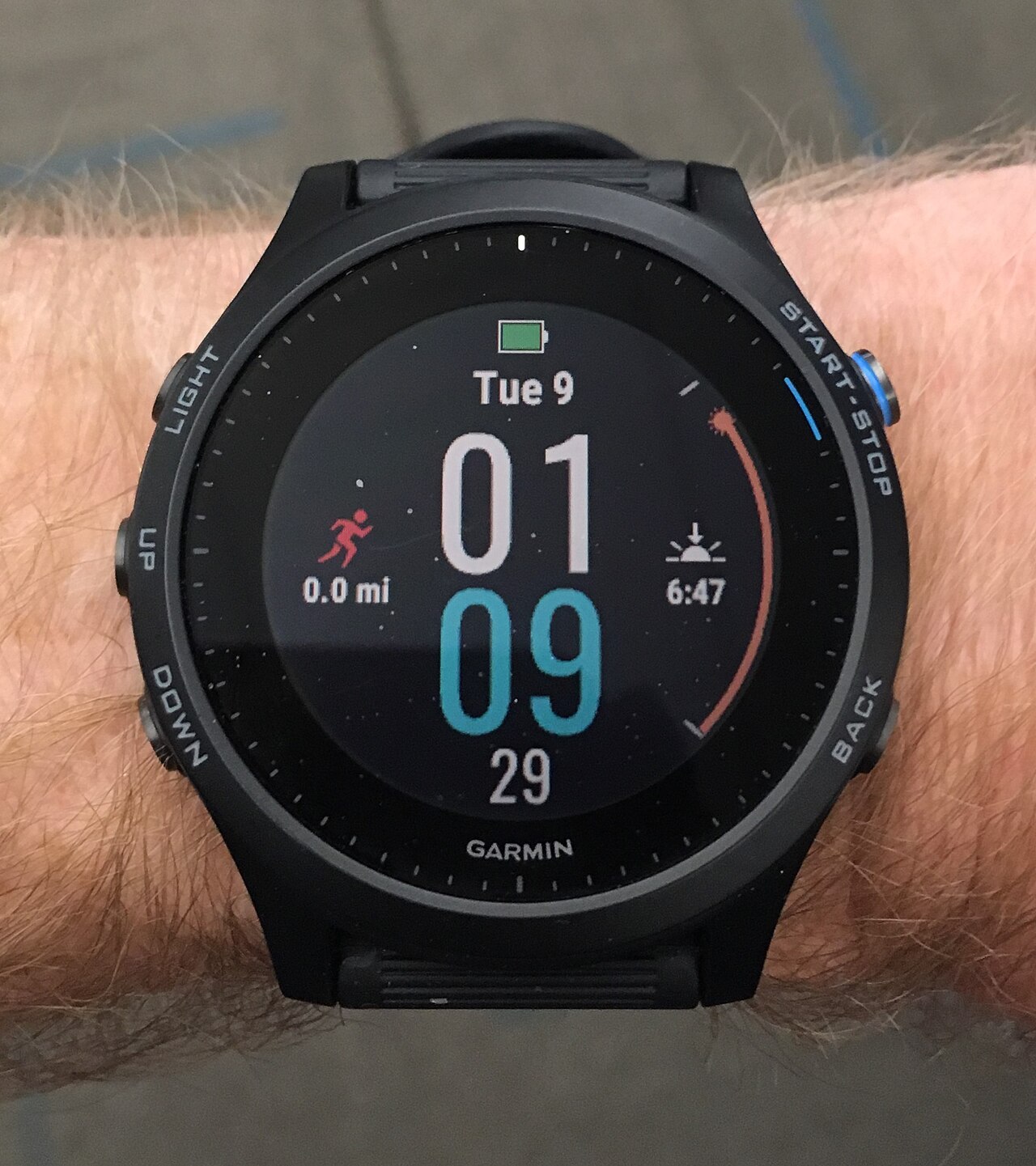
Garmin Forerunner update is here, offering users a beta version packed with new features and improvements. This update is designed to enhance your running experience.
What’s New in the Garmin Forerunner Update?
The latest Garmin Forerunner update introduces several exciting beta features that enhance the user experience for fitness enthusiasts. This update is available for five of the Forerunner models, ensuring a broad range of users can benefit from the new functionalities.
Among the standout features are:
- Improved Workout Tracking: Users can now access more detailed performance metrics, helping them optimize their training sessions.
- Customizable Data Screens: The update allows for greater personalization of data displays, enabling athletes to focus on the metrics that matter most to them.
- Enhanced Recovery Insights: With advanced recovery tracking, users can better understand when their body is ready for the next workout.
- New Sport Modes: The addition of several new activity profiles caters to a wider variety of sports and fitness activities.
- Updated User Interface: A refreshed look makes navigation more intuitive, improving the overall user experience.
Overall, the Garmin Forerunner update promises significant improvements that are sure to please both casual users and serious athletes alike.
How to Install the Beta Update
Installing the beta update for your Garmin Forerunner is a straightforward process that can enhance your running experience with new features. Follow these steps to ensure you successfully update your device:
- Connect your watch: Make sure your Garmin Forerunner is charged and paired with your smartphone via the Garmin Connect app.
- Check for updates: Open the Garmin Connect app and navigate to the settings. Look for the option to check for firmware updates.
- Select the beta update: If a beta update is available, it will be displayed as an option. Choose the Garmin Forerunner update to begin the installation process.
- Follow prompts: Follow any on-screen instructions to complete the update. This may take several minutes, so ensure you have a stable connection.
- Restart your device: After the installation, restart your Garmin Forerunner to finalize the update.
Once installed, you can start exploring the new features that come with the Garmin Forerunner update and enjoy an improved running experience.
User Feedback on the Latest Features
As users begin to explore the latest beta features in the Garmin Forerunner update, feedback has been pouring in from various corners of the community. Many users are particularly excited about the new health metrics introduced, which provide deeper insights into their fitness levels.
One standout feature that has garnered positive reviews is the enhanced sleep tracking capability. Users report that the data is more accurate, allowing them to better understand their nightly rest patterns and how it affects their performance.
Additionally, the new workout suggestions based on personal performance history have been praised for their customization and effectiveness. Many athletes appreciate the tailored recommendations that help them optimize their training sessions.
However, some users have pointed out minor bugs, particularly with the GPS functionality during outdoor activities. Garmin has acknowledged this feedback and is working on improving the overall user experience.
- Positive Highlights: Enhanced sleep tracking
- Custom Workout Suggestions: Tailored to individual performance
- Areas for Improvement: GPS functionality issues
Overall, the user feedback on the Garmin Forerunner update suggests a promising direction for future enhancements.
Comparing the Forerunner Models
As Garmin continues to enhance its Forerunner lineup, users may wonder how the latest beta update impacts different models. The Garmin Forerunner update introduces several new features that cater to a variety of fitness enthusiasts. Below, we compare the key models:
- Forerunner 245: This model benefits from improved training metrics and personalized coaching features, making it ideal for runners aiming to enhance their performance.
- Forerunner 745: With the latest beta update, users can now access advanced race predictor tools and a more comprehensive sleep analysis, pushing the boundaries for serious athletes.
- Forerunner 945: The flagship model sees significant upgrades in navigation capabilities and a new music streaming service integration, perfect for those long-distance runs.
- Forerunner 55: While a more basic model, it has received vital updates in user interface and activity tracking features, appealing to casual runners.
Each Forerunner model has its unique strengths, and the Garmin Forerunner update ensures that users can maximize their training experience.
Future Updates and Expectations
The latest Garmin Forerunner update has set the stage for exciting future enhancements, as users eagerly anticipate what comes next. Garmin has a history of incorporating user feedback into their updates, and this beta version is no exception. Many users are already speculating about potential features that could be added in subsequent releases.
Some anticipated updates include:
- Advanced Health Metrics: Users are hoping for more comprehensive health data tracking, particularly regarding sleep and recovery monitoring.
- Improved GPS Accuracy: Enhancements in GPS technology could lead to more precise tracking during outdoor activities.
- New Workout Modes: Additional customizable workout options may be on the horizon, catering to a broader range of fitness enthusiasts.
- Enhanced Integration: Better compatibility with third-party apps and devices is also a common user request.
As Garmin continues to refine its offerings, the community remains optimistic about the potential features that could elevate the Forerunner experience even further.
via Wikimedia Commons