










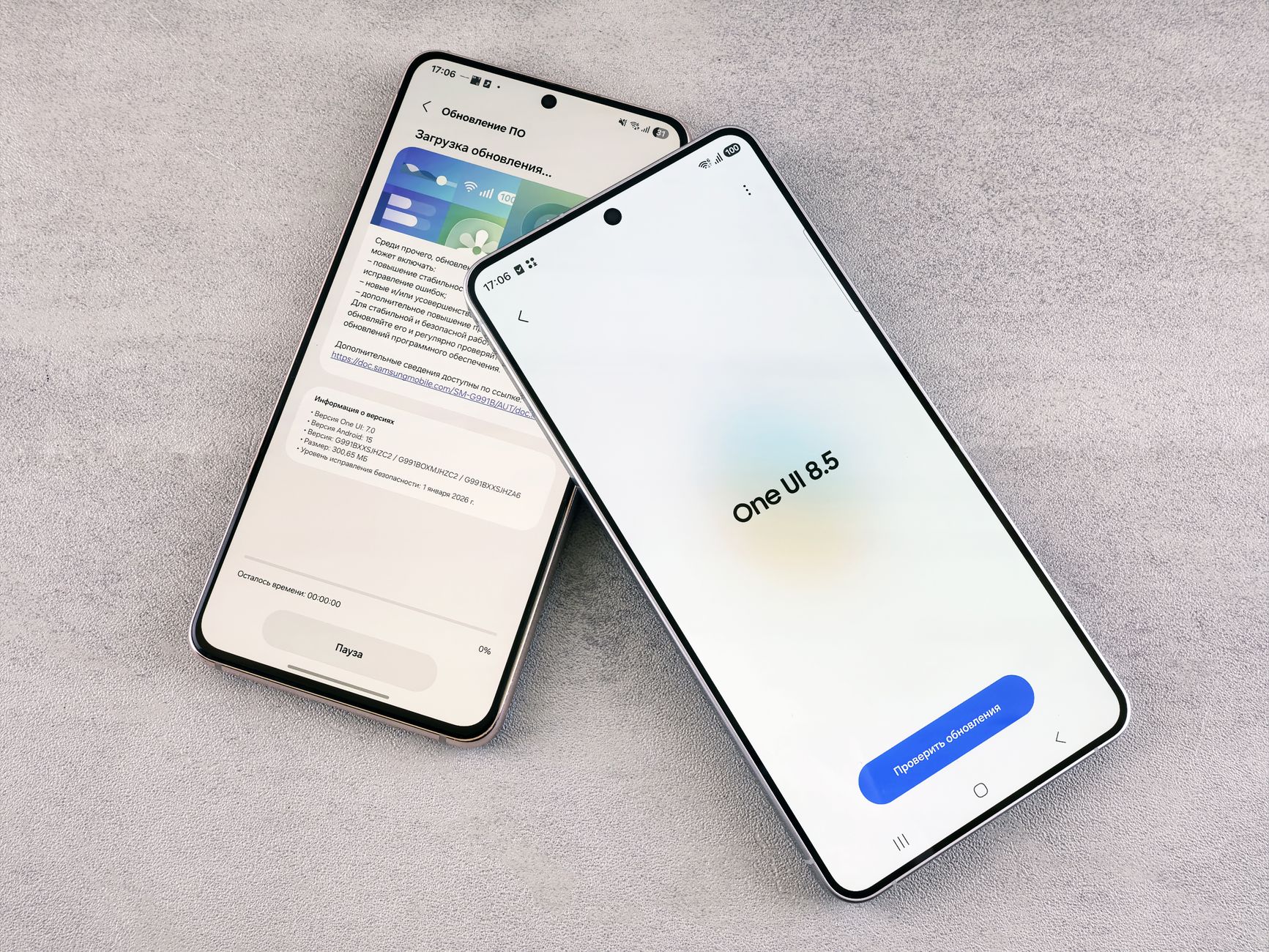
Galaxy Watch 6 update is here with the latest One UI 9 Watch beta. This update introduces several exciting features that enhance user experience.
What’s New in Galaxy Watch 6 Update
The latest Galaxy Watch 6 update introduces a range of exciting features that enhance user experience and functionality. With the One UI 9 Watch beta update, users can expect improvements that cater to both performance and design.
Among the standout features are:
- Enhanced Health Tracking: The update includes more accurate sleep tracking and new metrics for monitoring stress and hydration levels.
- Customizable Watch Faces: Users can now personalize their watch faces with new designs and widgets, providing more options for customization.
- Improved Battery Management: The update optimizes battery usage, extending the life of your Galaxy Watch 6 even during heavy usage.
- New Quick Settings Menu: A redesigned quick settings menu allows for easier access to frequently used features, improving overall navigation.
- Expanded App Compatibility: Users can now enjoy an expanded selection of compatible apps, enhancing the versatility of the watch.
Overall, the Galaxy Watch 6 update brings a host of new features that are sure to delight users looking for a more refined smartwatch experience.
How to Install the One UI 9 Beta
Installing the One UI 9 Beta on your Galaxy Watch 6 is a straightforward process that allows you to access the latest features and enhancements. Follow these steps to ensure a smooth installation.
- Check Device Compatibility: Ensure that your Galaxy Watch 6 model is compatible with the One UI 9 Beta update. Only specific models will receive this version.
- Backup Your Data: Before proceeding, it’s critical to back up your watch data. This will prevent any loss of important information during the update process.
- Join the Beta Program: To gain access to the One UI 9 Beta, you will need to join the Samsung Members app and enroll in the beta program for your device.
- Download the Update: Once enrolled, navigate to the settings on your watch, select ‘Software Update,’ and then download and install the One UI 9 Beta.
- Reboot Your Device: After installation, reboot your Galaxy Watch 6 to apply the changes and start using the new features.
By following these steps, you can enjoy the exciting new functionalities brought by the Galaxy Watch 6 update.
User Reactions to the Update
User reactions to the Galaxy Watch 6 update have been overwhelmingly positive, with many users expressing their excitement about the new features introduced in the latest One UI 9 beta. Social media platforms are buzzing with feedback as users explore the enhanced functionalities and interface improvements.
Many users have taken to forums and social media to share their experiences, highlighting specific aspects they appreciate:
- Improved Performance: Several users have noted that the watch runs smoother than before, with quicker response times and fewer lags.
- Customization Options: The new update offers more watch faces and customization options, allowing users to personalize their devices to a greater extent.
- Health Tracking Features: Users are particularly fond of the updated health tracking features, which provide more accurate data and additional metrics.
- Enhanced Battery Life: Some users have reported longer battery life, which is a crucial aspect for smartwatch users.
Despite the generally positive feedback, a few users have encountered minor bugs, which they hope will be addressed in future updates. Overall, the Galaxy Watch 6 update seems to be a hit among its users.
Performance Improvements in the Latest Update
The latest Galaxy Watch 6 update brings a host of performance improvements that enhance the overall user experience. Notably, users can expect smoother navigation and quicker app launches, which significantly reduce wait times during daily interactions.
One of the standout features included in the update is the optimization of battery management. This enhancement prolongs battery life, allowing users to enjoy their watches for longer periods without frequent recharging. Additionally, the update includes improved fitness tracking algorithms, which provide more accurate data during workouts and activities.
Another key improvement is the reduction of lag when switching between applications. Users have reported a more fluid experience when accessing different features, making the Galaxy Watch 6 an even more appealing device for multitaskers. Furthermore, the update addresses several bugs reported in previous versions, ensuring a more stable performance overall.
With these updates, Samsung continues to demonstrate its commitment to enhancing the Galaxy Watch 6 experience. Users should take advantage of the new features to maximize their smartwatch’s potential, making it not just a timepiece but a comprehensive health and productivity tool.
Comparing One UI 9 with Previous Versions
The Galaxy Watch 6 update introduces One UI 9, which brings several enhancements compared to its predecessors. Below are key differences between One UI 9 and earlier versions:
- Improved User Interface: One UI 9 offers a more streamlined and intuitive interface, making navigation smoother for users. The design focuses on larger icons and clearer visuals.
- Enhanced Customization: With the latest update, users can enjoy a wider range of customization options. This includes new watch faces and the ability to personalize widgets more easily than in previous iterations.
- Better Health Tracking: One UI 9 elevates health monitoring features, providing more accurate data on fitness activities and sleep patterns. This improvement is particularly beneficial for health-conscious users.
- Increased Battery Efficiency: The update optimizes battery consumption, allowing the Galaxy Watch 6 to last longer between charges compared to previous versions.
Overall, the Galaxy Watch 6 update with One UI 9 marks a significant step forward, combining aesthetic enhancements with functional upgrades that cater to user demands and preferences.
Upcoming Features for Galaxy Watch 6
As the Galaxy Watch 6 continues to evolve, users can look forward to a range of exciting upcoming features that enhance their smartwatch experience. These new additions not only improve functionality but also elevate user interaction with the device.
- Enhanced Health Tracking: The update is set to introduce advanced fitness metrics, allowing users to monitor their health more accurately. This includes improved sleep tracking and new workout modes tailored for various activities.
- Personalized Watch Faces: Users will have access to a wider variety of customizable watch faces, giving them the ability to express their personal style while still keeping essential information at a glance.
- Smart Notifications: The Galaxy Watch 6 update will refine the notification management system, enabling users to prioritize alerts and manage incoming messages more effectively.
- Battery Optimization: Improved battery management features are on the way, promising longer usage times and more efficient power consumption during workouts and daily activities.
With these upcoming features, the Galaxy Watch 6 update continues to position itself as a leader in the smartwatch market, offering users tools that cater to both productivity and wellness.
Is the One UI 9 Update Worth It?
The recent Galaxy Watch 6 update has sparked discussions among users regarding its value. With the introduction of One UI 9, many are left wondering if the enhancements justify the transition to the new interface.
One significant aspect of the update is its focus on customizing user experience. The ability to personalize watch faces and widgets has been improved, allowing users to tailor the interface to better meet their needs. Additionally, the revamped notification management system promises to make it easier to stay organized and informed.
However, some users have expressed concerns about potential bugs and performance issues that often accompany new software updates. While the One UI 9 update brings exciting features, it’s essential to weigh the benefits against the possible drawbacks.
To help users make an informed decision, here are some points to consider:
- Enhanced User Interface: A more intuitive design that simplifies navigation.
- New Fitness Tracking Features: Improved health metrics and insights for better tracking.
- Battery Life Management: Optimizations aimed at extending usage time.
Ultimately, whether the Galaxy Watch 6 update is worth it depends on individual preferences and needs.
Final Thoughts on the Galaxy Watch 6 Update
The recent Galaxy Watch 6 update has certainly stirred excitement among users and tech enthusiasts alike. With the introduction of One UI 9, Samsung has managed to enhance the overall user experience, making it more intuitive and efficient.
As we wrap up our discussion on the Galaxy Watch 6 update, it’s clear that the improvements brought by this latest version are substantial. Users are already praising the new features that enhance daily functionality, such as improved health tracking and customizable watch faces. These updates not only highlight Samsung’s commitment to innovation but also reflect their responsiveness to user feedback.
While the beta version may still have its quirks, the potential for future updates is promising. Many are optimistic that the final release will further refine the functionalities that users have come to love.
In conclusion, the Galaxy Watch 6 update is a significant step forward for Samsung. Whether you’re a seasoned user or a newcomer, exploring the new features of One UI 9 will undoubtedly elevate your smartwatch experience. As more feedback rolls in, it will be interesting to see how Samsung continues to adapt and improve its offerings.
Photo by Andrey Matveev on Pexels
Read the original
Related stories
Isar Aerospace rocket achieves historic orbit milestone · Diablo IV Season 15: The Best Patch Notes You Need · Samsung Galaxy M47 Price Hike: Clear Reasons Behind Increase